An electrical installation does NOT lose money on the cable. It loses it on the hours
Horaxa is management software for electrical contracting firms. It logs the electrician’s and the mate’s hours against each job separately, charges it the materials taken from stores and warns the boss when the job reaches 80% of its budgeted hours.
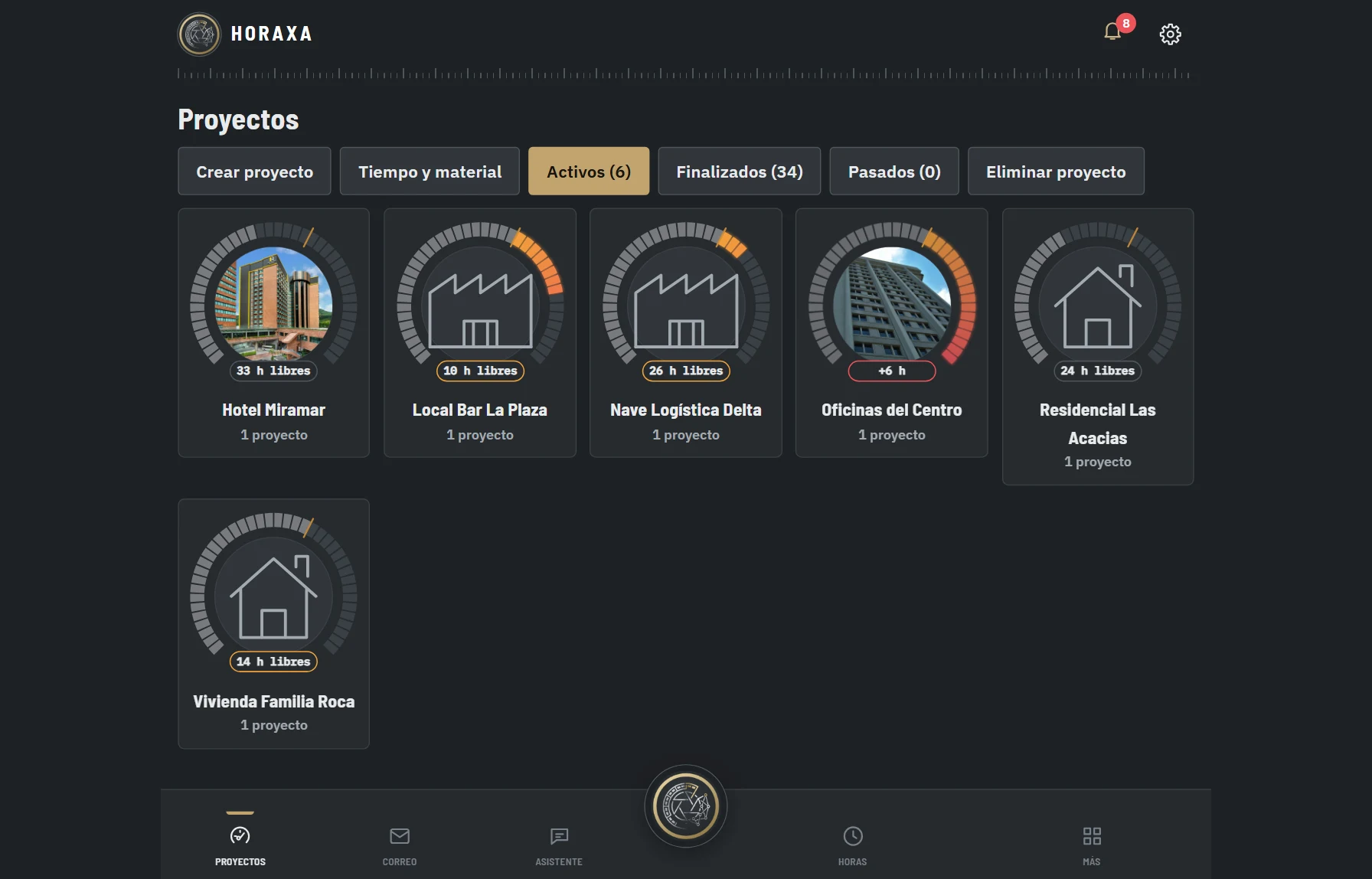
Six sample electrical installations, each with its clock. Fictitious data.
Where the money goes
Three installations, three ways of giving hours away
Refitting a shop, a unit or a home does not cost the same. Your software shouldn’t treat them the same either.
Refurbishment
Refitting a shop
The quote was priced on one electrician’s hours. On site a mate joins, a conduit run is redone and nobody writes it down. The job is invoiced and the margin has already gone.
With Horaxa: Each job has its own hours budget, broken down by person and by day. The clock turns orange past 60%.
New build
The industrial unit with electrician and mate
An electrician’s hour and a mate’s hour do not cost the same, yet in a spreadsheet they usually get added up as “hours”. The real cost of the job ends up distorted.
With Horaxa: Hours are logged per person using your company’s hour types and percentages, read from your own template.
Home
Refurbishing a home
Fault calls are charged by the hour: keep track of every one and get the customer to sign the job sheet on the spot.
With Horaxa: Have the customer sign the hours on the spot and the job sheet goes straight to the office. Within minutes everything is ready to invoice the customer.
New · Time and material
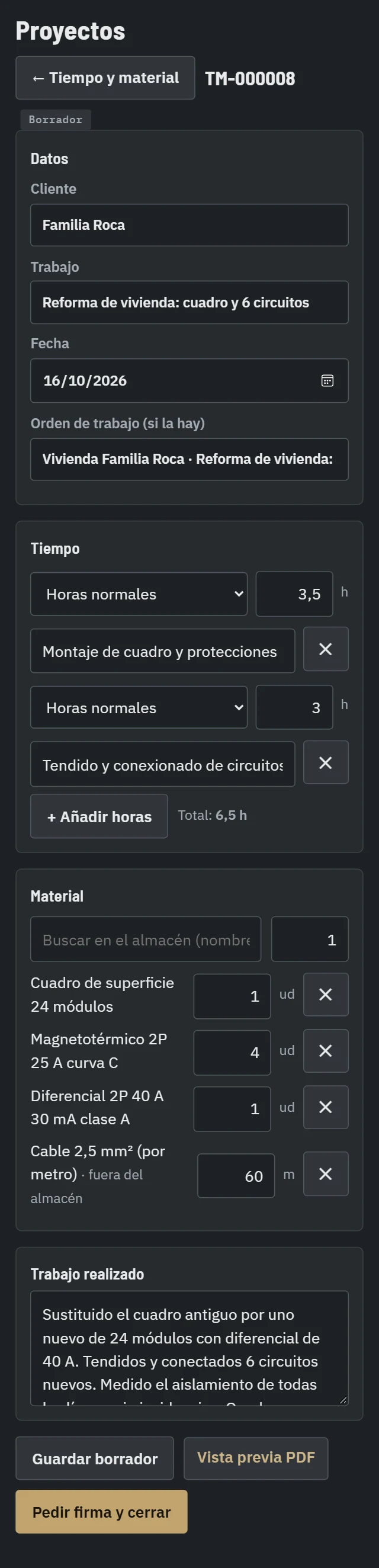
The daily time and material sheet, signed by the customer on the spot
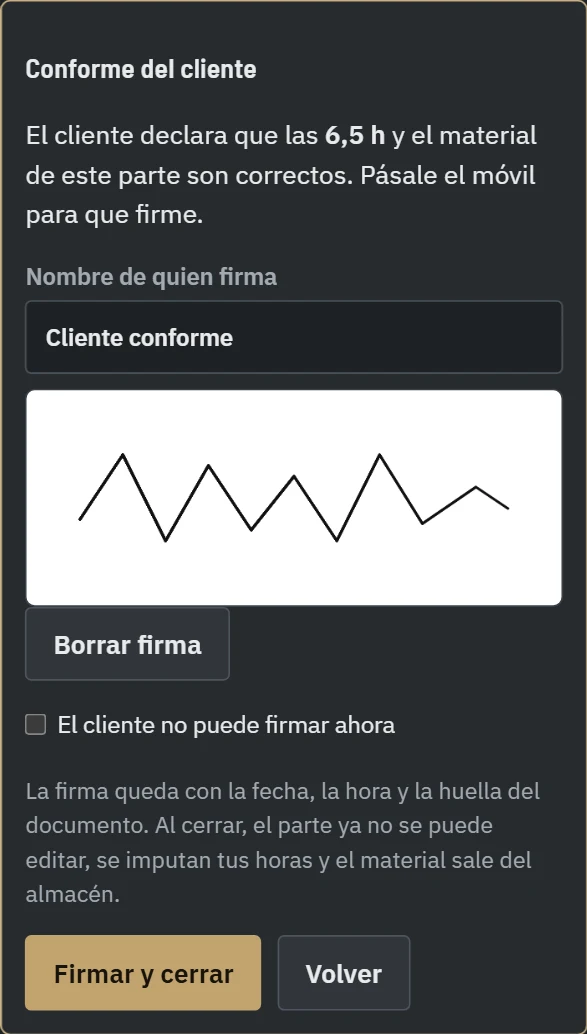
The technician records hours and materials as the work goes on. At the end, before the customer signs, they can still add anything missing. The customer signs on the screen, the sheet is closed with the date, time and a fingerprint of the document, and it reaches the office ready to invoice. The hours are charged to the installation and the materials come out of stores.
01Fill it in as you work and complete it when you finishElectrician and mate hours, materials from stores and work carried out. If you miss something, add it before asking for the signature.02The customer signs and the sheet goes to the officeWith a finger, no paper. It is closed and sent to the office as a PDF to prepare the invoice. If the customer cannot sign, it is closed with the reason.03The installation updates itselfThe hours go up on the clock and the materials are charged to that installation.
Example with made-up data. The on-screen signature is not a qualified electronic signature: it is recorded with the date, time and a fingerprint of the document.
At a glance
Every installation, with its clock
Grey while all is well, orange from 60% and red once over budget. At a glance you see which job is getting out of hand.
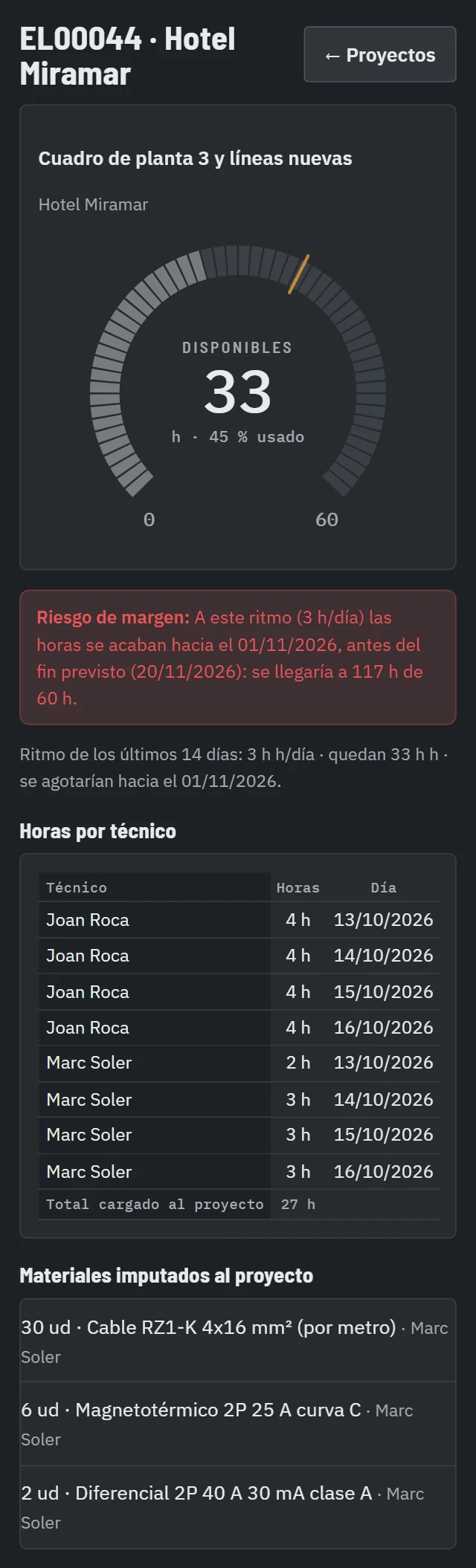
Hotel Miramar
Floor distribution boards · 27 of 60 h
Within budget
Local Bar La Plaza
Shop installation · 38 of 48 h
Keep an eye on it this week
Oficinas del Centro
LED lighting · 54 of 48 h
Installation over its hours
Example with made-up names and figures. In the app each clock opens up to show the hours per person and per day.
Free calculator
What does an electrician’s hour really cost you?
Payroll cost divided by the agreed working hours is only the start. Enter your figures and see what to charge per hour to make money. The calculation runs in your browser: nothing is sent.
Example figures: replace them with your company’s. This is an indicative calculation.
On the road, from your phone
A switchboard change, from the phone call to the job sheet
Swipe to see the walkthrough. The electrician doesn’t need to go back to the office.
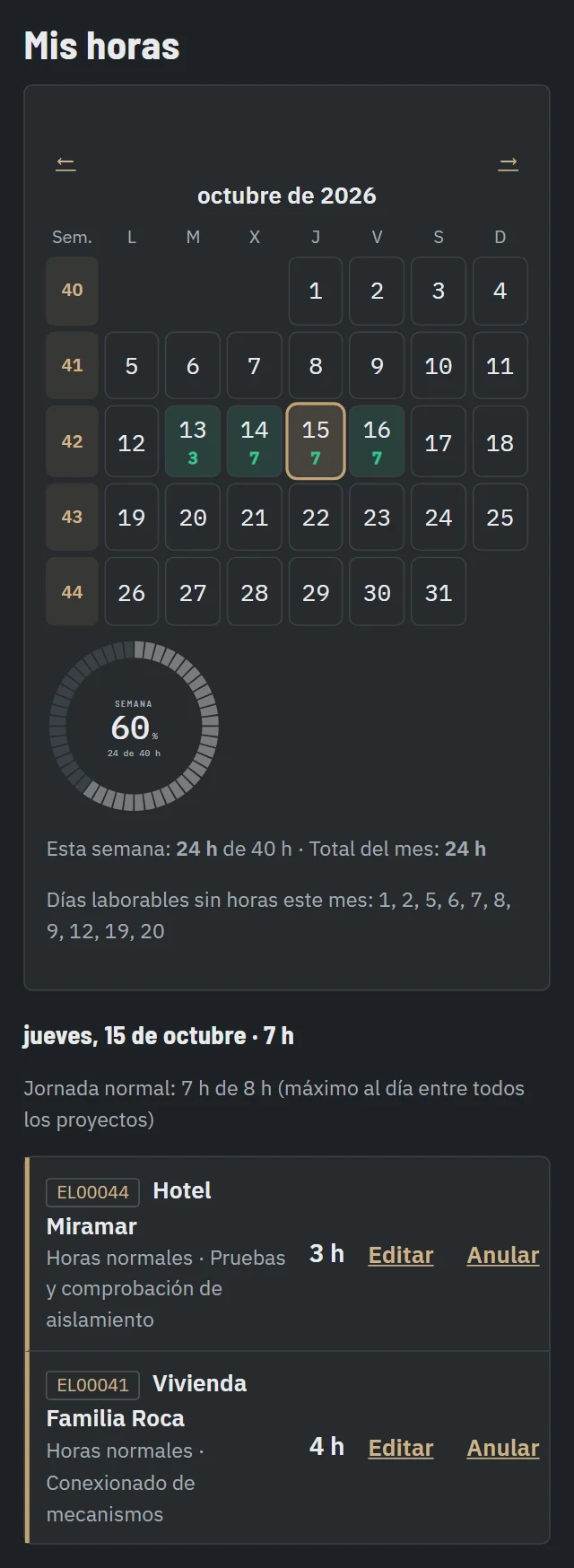
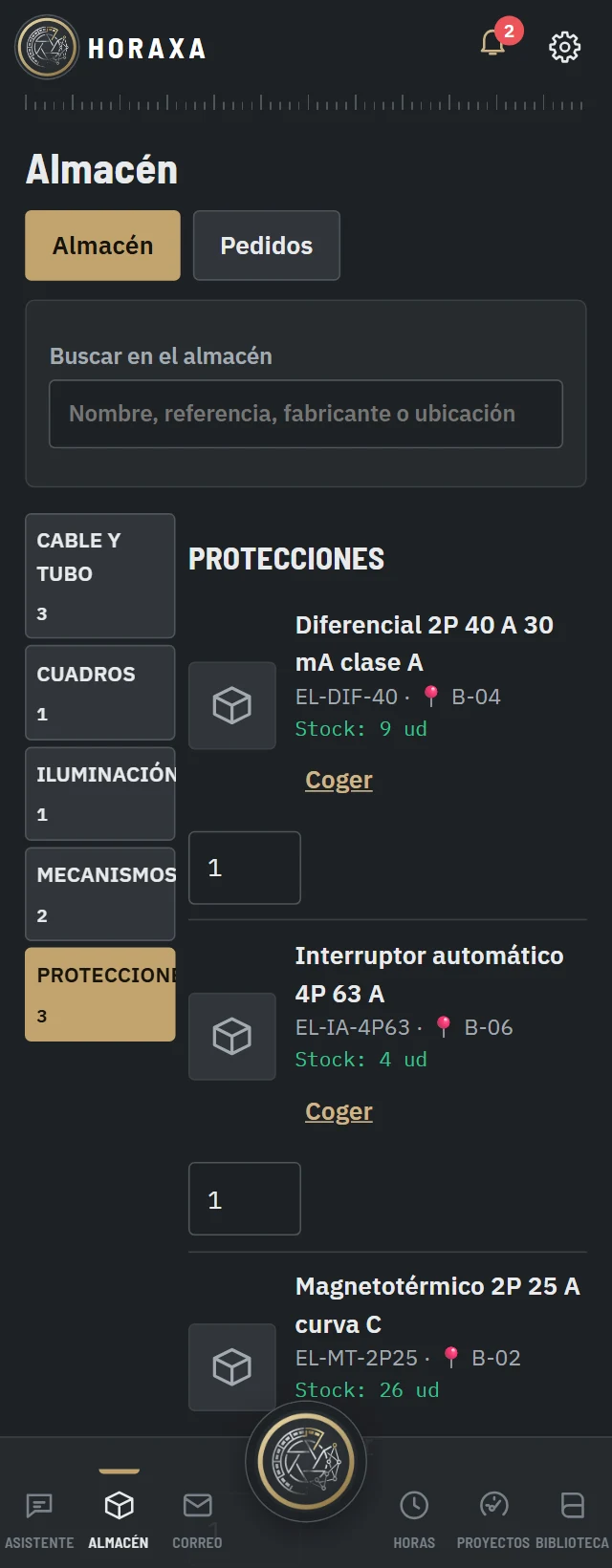
01Everyone logs their ownElectrician and mate record their hours when they finish, each on their own installation.02Materials, charged to the installationCable, MCBs and RCDs taken from stores are recorded against that installation.03A photo of the accessory or the RCDHoraxa looks for the part in stores. If it isn’t there, Purchasing requests a quote.
Your new control
What Horaxa shows a site manager
Item
Where you see it
Who enters it
Hours per job and per person
Job clock and daily detail
Each technician, from their phone
Materials charged
Job detail
Charged when taken out of stores
Supplier invoice costs
Job detail
Purchasing, if the invoice carries the job code
Job sheet
Word, using your template
The technician; the AI only suggests the text
Hours alert
The boss’s notification bell
Automatic, at 80% and when going past 100%
Frequently asked questions
Can I keep the electrician’s and the mate’s hours separate?
Yes. Each person logs their own hours, and the hour types and percentages are set up per company. In the detail of each job you see the hours per person and per day.
How do I work out the real cost of an electrician’s hour?
Divide the worker’s annual cost to the company by the hours you can really bill, which are the agreed working hours minus travel, waiting and shopping runs. The calculator on this page does it with your figures.
Does it work for small jobs and one-off call-outs?
Yes. A refurbishment, a call from a regular customer or a large job are all jobs, each with its own clock. Logging hours takes about 30 seconds.
What about materials bought over the counter?
Supplier invoices are read and charged to the job if they carry its code, and anything taken from stores is recorded when it is taken out. A person reviews before confirming.
How much does Horaxa cost?
€149 a month excl. VAT for up to 5 users and €349 a month for up to 20 users, with €15 a month per extra user and a one-off setup fee. No lock-in and a 15-day trial with no card. See pricing.
Try Horaxa on your most doubtful electrical job
15 days, no card. By the end you’ll know how much it really left you.